Know exactly what’s wrong with your mix.
Focal listens to your master channel and explains your mix problems in plain English, so your songs start sounding like the records you love. No uploads, no interruptions, just play.
Free plan · No credit card · Windows & macOS
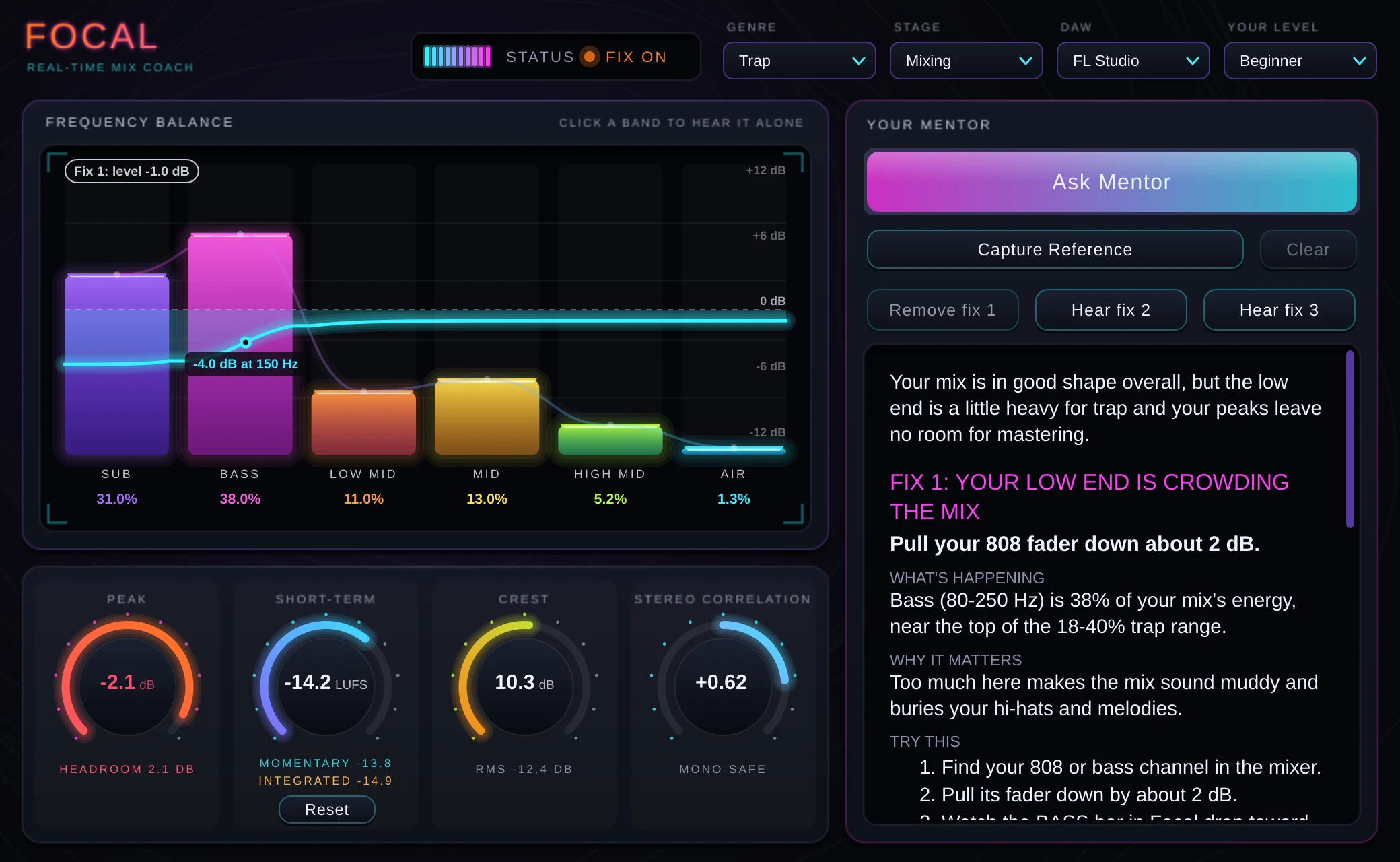
You can hear it’s wrong. Nothing tells you why.
Your mix sounds off but you don’t know why.
It sounds fine in your headphones, then falls apart in the car. Something is wrong, but you can’t name it.
Tutorials explain theory but not your specific track.
Hours of videos on EQ and compression, and you still don’t know what to do with the song in front of you.
You’re guessing instead of knowing.
Turning knobs until it sounds “different” isn’t the same as making it better.
Three steps. Nothing to upload.
Drop Focal on your master channel.
Load it like any other plugin, in the DAW you already use.
Hit play and mix as normal.
Focal listens to your actual audio in real time. Nothing about your workflow changes.
Get plain English feedback on exactly what to fix.
Specific fixes for your track, ranked by what will make the biggest difference.
A mix engineer looking over your shoulder.
Real-time analysis
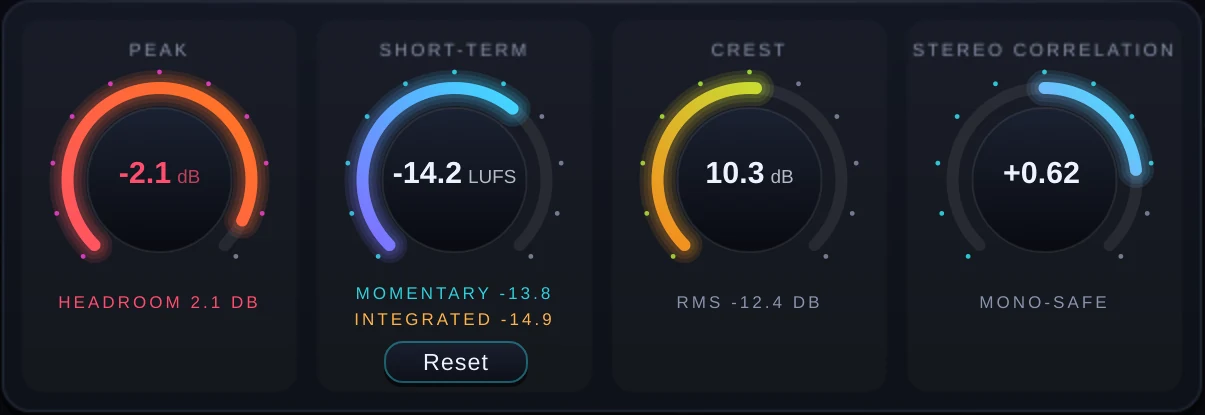
Focal measures your frequency balance, loudness, dynamics and stereo width while you mix.
Plain English feedback
No technical jargon. Just clear explanations a beginner can act on immediately.
Hear the fix
Preview what each fix sounds like before you change anything.
Habit coaching
Focal tracks patterns across your projects and tells you what to work on next.
Make your mix sound like the pros.
Pick a released song you want your track to sound like. Focal measures it, then compares your mix against it and tells you exactly where yours falls short, and what to change to close the gap.
No reference loaded? Focal compares your mix to what professional tracks in your genre usually measure.
- Tone
- Is your low end, mids and top as full as theirs?
- Loudness
- How far you are from their level
- Punch
- Whether your mix is squashed or too dynamic
- Width
- How wide and how mono-safe it sounds
Load a song you love.
Put it on a track in your DAW, mute your mix and play its fullest part.
Click Capture Reference.
Focal remembers how that song sounds and saves it with your project.
Ask Mentor.
Your fixes now aim at that sound, so you know what “pro” actually means for your track.
Start free. Upgrade when you’re ready.
- Unlimited analyses
- Habit coaching
- Compare your mix to any pro track
- Priority processing
Focal is meant to be outgrown.
We made Focal to help producers improve. As you learn to hear these problems yourself, Focal should eventually become unnecessary in your process.
So instead of charging a big one-time price for a plugin you’ll grow out of, Pro is month to month. Use it while it’s teaching you, and cancel when you don’t need it anymore. The free plan stays yours either way.
- Formats
- VST3 (Windows, macOS), Audio Unit (macOS)
- macOS
- Apple silicon and Intel, one installer
- Windows
- 64-bit
- Works in
- FL Studio, Ableton Live, Logic Pro, Studio One, Reaper and more
- Internet
- Needed when you ask for feedback. Focal sends measurements, never your audio.